



Dub Editor’s Pick
Open source link management and attribution for modern marketing
Curated listings are not ranked, so they cannot be voted on.
Browse by category
All categoriesBrowse by platform
All platformsResources
Latest postsSelf-hosted, open source alternative to Vercel, Heroku and Netlify
Curated listings are not ranked, so they cannot be voted on.
curl -fsSL https://cdn.coollabs.io/coolify/install.sh | bash 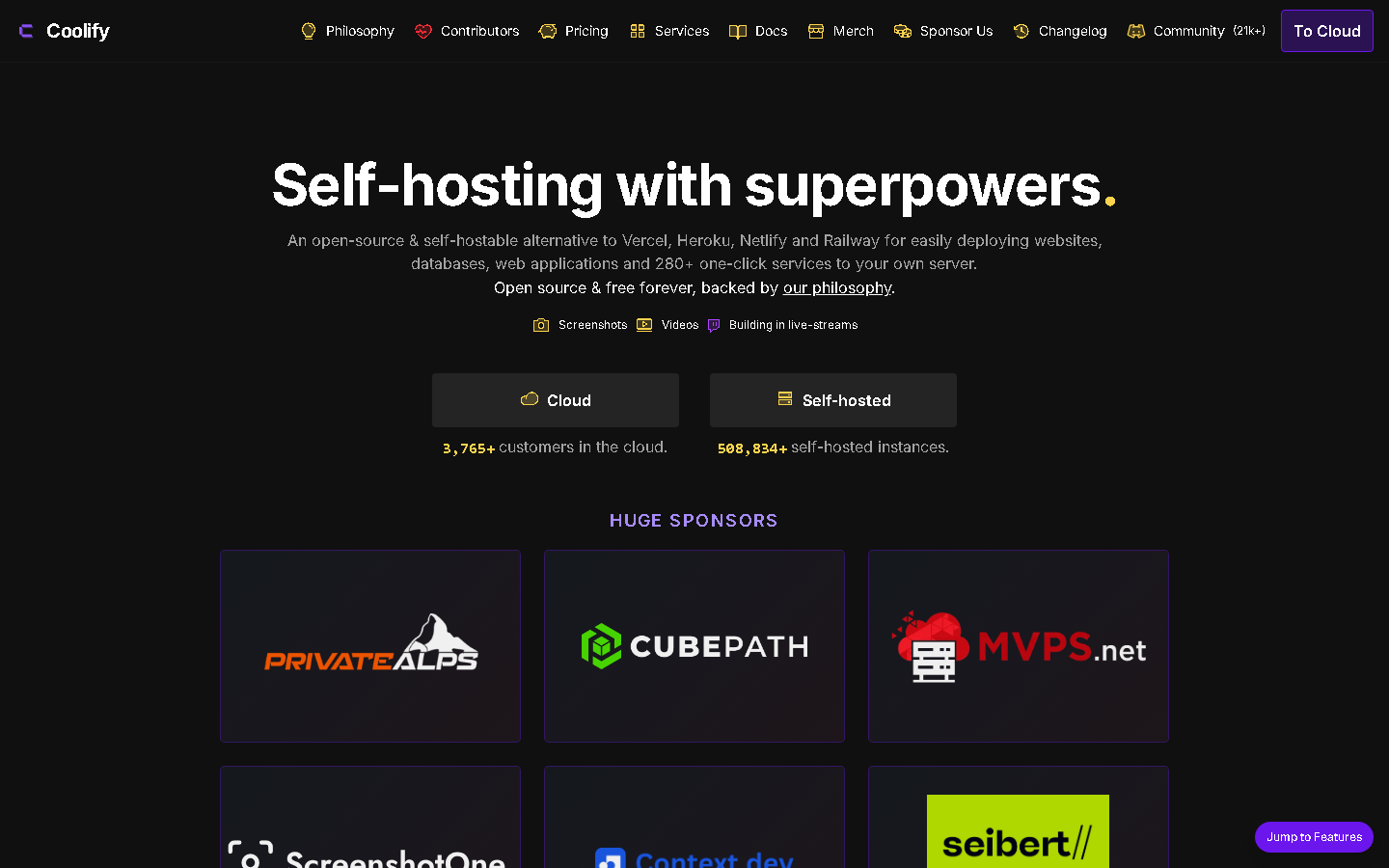
Coolify deploys apps, databases and 300-plus one-click services onto servers you own, with Git-push deploys, preview environments and automatic SSL. It gives indie makers PaaS ergonomics at VPS prices and no vendor lock-in. Everything is Apache-2.0 licensed with no paywalled features.
Coolify deploys web applications, databases and more than 280 one-click services onto servers you control, covering most of what a small team would otherwise rent from several providers.
Any machine reachable by SSH can be a target, including a VPS, a Hetzner or DigitalOcean box, an EC2 instance or a Raspberry Pi, so you choose the hardware and the hosting bill.
GitHub, GitLab, Bitbucket and Gitea are supported for push-to-deploy, and pull requests can get their own preview deployment for review before anything is merged.
Let's Encrypt certificates are issued and renewed automatically, and databases can be backed up on a schedule to any S3-compatible storage.
Teams get permission controls, a browser terminal into running containers, server monitoring, notifications through Discord, Telegram or email, and an API for automating the whole thing.
Indie hacker watching costs
Run several side projects on one small VPS with push-to-deploy and free SSL, instead of paying per project on a hosted platform.
Startup team leaving a PaaS
Move staging and production onto your own servers while keeping preview deployments and Git-based workflow the team already expects.
Agency hosting client sites
Separate client projects across servers with team permissions and automatic database backups to S3-compatible storage.
62,123 GitHub stars as of 2026-09-21, built by a solo maintainer funded entirely by sponsorships rather than venture capital.
Coolify is a self-hostable deployment platform. It installs on a server you own and gives you push-to-deploy applications, managed databases and more than 280 one-click services, with automatic SSL, preview deployments, backups, monitoring and an API.
Self-hosting is free forever with no feature restrictions, per the pricing page. Coolify Cloud, which runs the control plane for you while you still bring your own servers, is listed at 5 dollars a month for two servers plus 3 dollars a month for each additional server as of September 2026, with 20 percent off when paid yearly.
Coolify is open source under the Apache-2.0 license, maintained by Andras Bacsai at coolLabs. It installs on a Linux server with a single command: curl -fsSL https://cdn.coollabs.io/coolify/install.sh | bash. After that it is managed from a browser.
Version history appears here once the maker claims this listing and starts posting releases.
Comments open with submissions.
Open source link management and attribution for modern marketing
Curated listings are not ranked, so they cannot be voted on.
Turn any website into clean, LLM-ready structured data
Curated listings are not ranked, so they cannot be voted on.
